 Screenoir
Room for the whole story.
Full-screen playback with 10-second double-tap seeking. Swipe the left side for brightness, or the right for playback volume.
Make yourself comfortable. Screenoir brings your movies, episodes and subtitles together in one player for iPhone and iPad.
Meet ScreenoirComing to the App Store · Free · iOS 26 or later
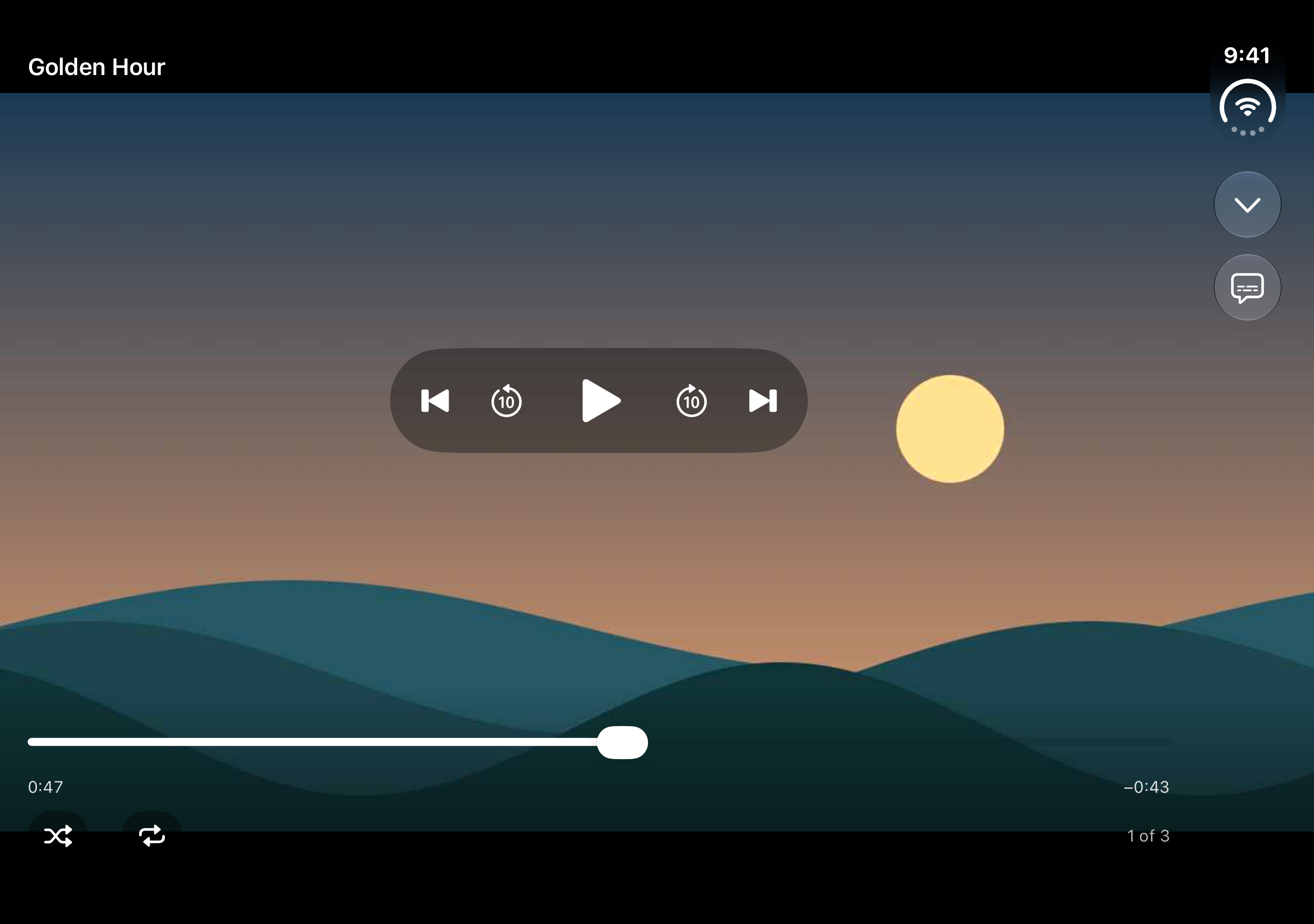
Open your files, find your subtitles, settle into the story. Familiar controls keep everything close, then fade out of the way.
Full-screen playback with 10-second double-tap seeking. Swipe the left side for brightness, or the right for playback volume.
Choose embedded subtitle and audio tracks, attach an external subtitle file, and adjust playback speed to suit the moment.
Your position and track choices stay with each video. Come back to a choice: resume watching or start from the beginning.
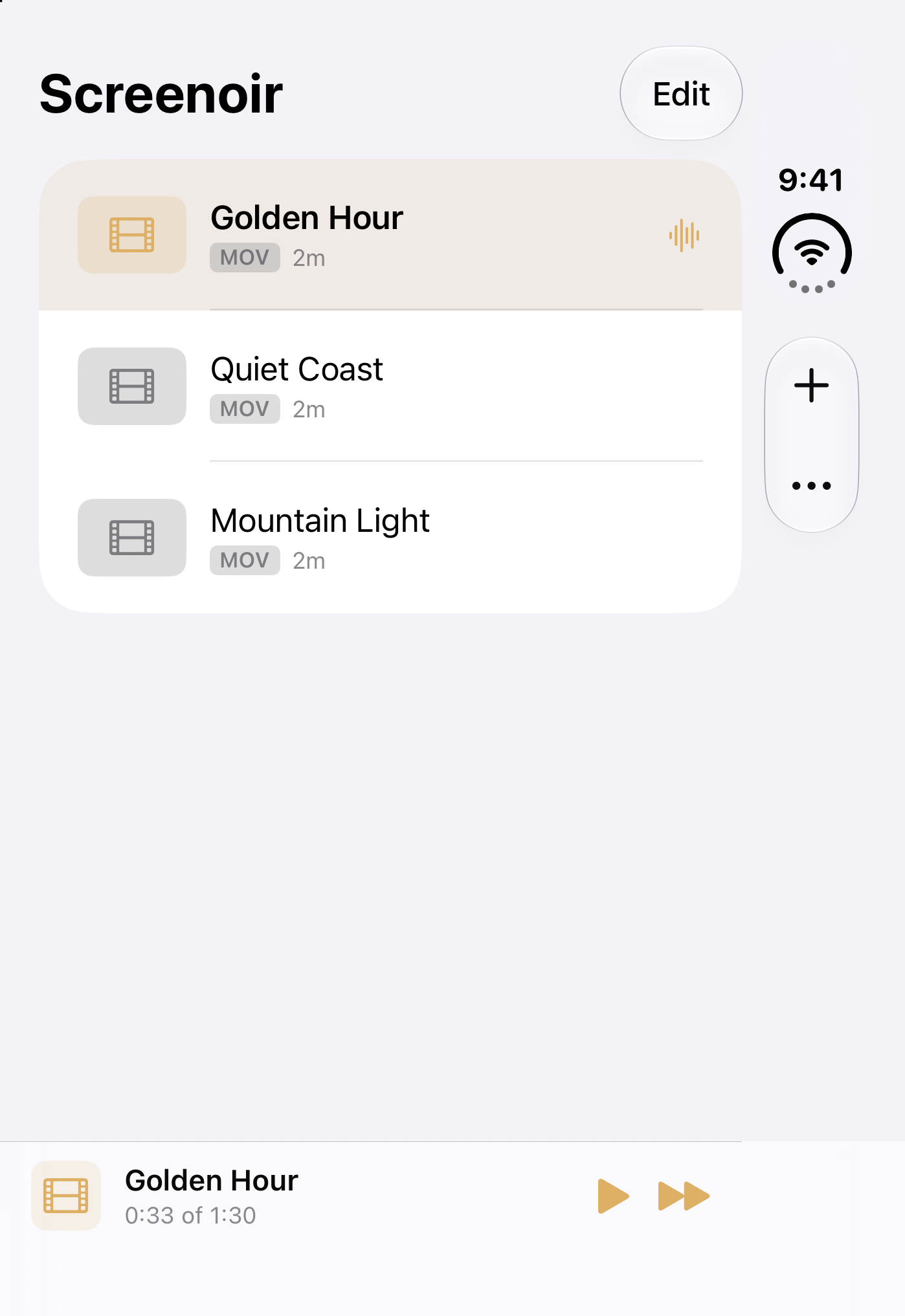
Add a few files or bring in an entire folder, including subfolders. Episodes arrive in natural order, with matching subtitle files attached automatically.
No account. No advertising or analytics SDK. Your playlist, playback positions and preferences are saved on your device, without being sent to us.
Read our privacy policyNo. Screenoir plays media files you provide. It does not include a streaming service, content subscription, catalog or download service. The landscape artwork shown here is original demonstration content.
Screenoir supports iPhone and iPad running iOS or iPadOS 26 or later, including adaptive layouts for iPhone Duo. It opens MKV, MP4, MOV, AVI, WebM and other supported containers. Playback depends on each file’s codecs and your device.
Yes, when your video and subtitle files are already downloaded to your device. A file kept with an iCloud or other Files provider may need to download first.
Visit Screenoir Support for import instructions, playback tips and a direct email contact.